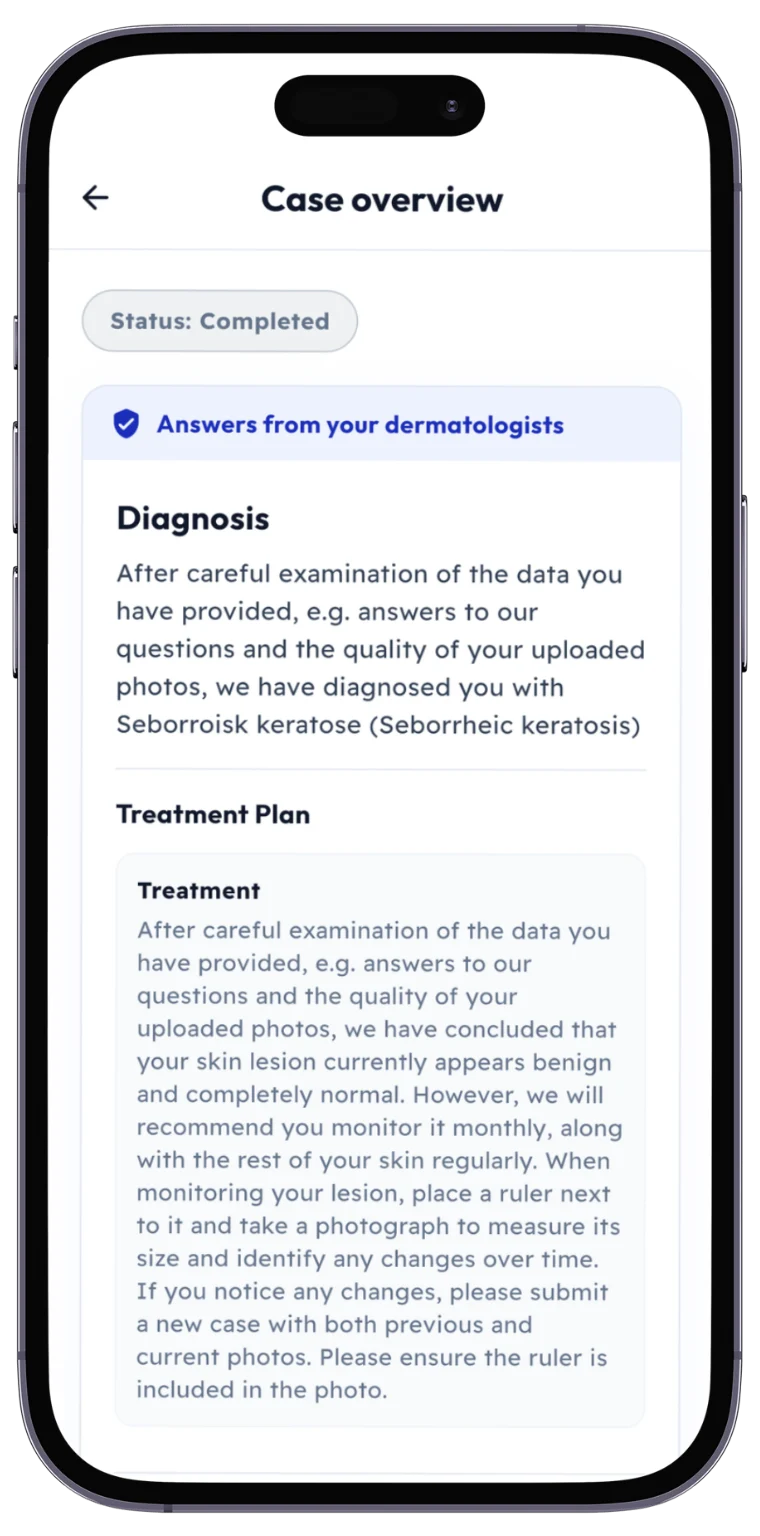
User guide
How to use SKIND
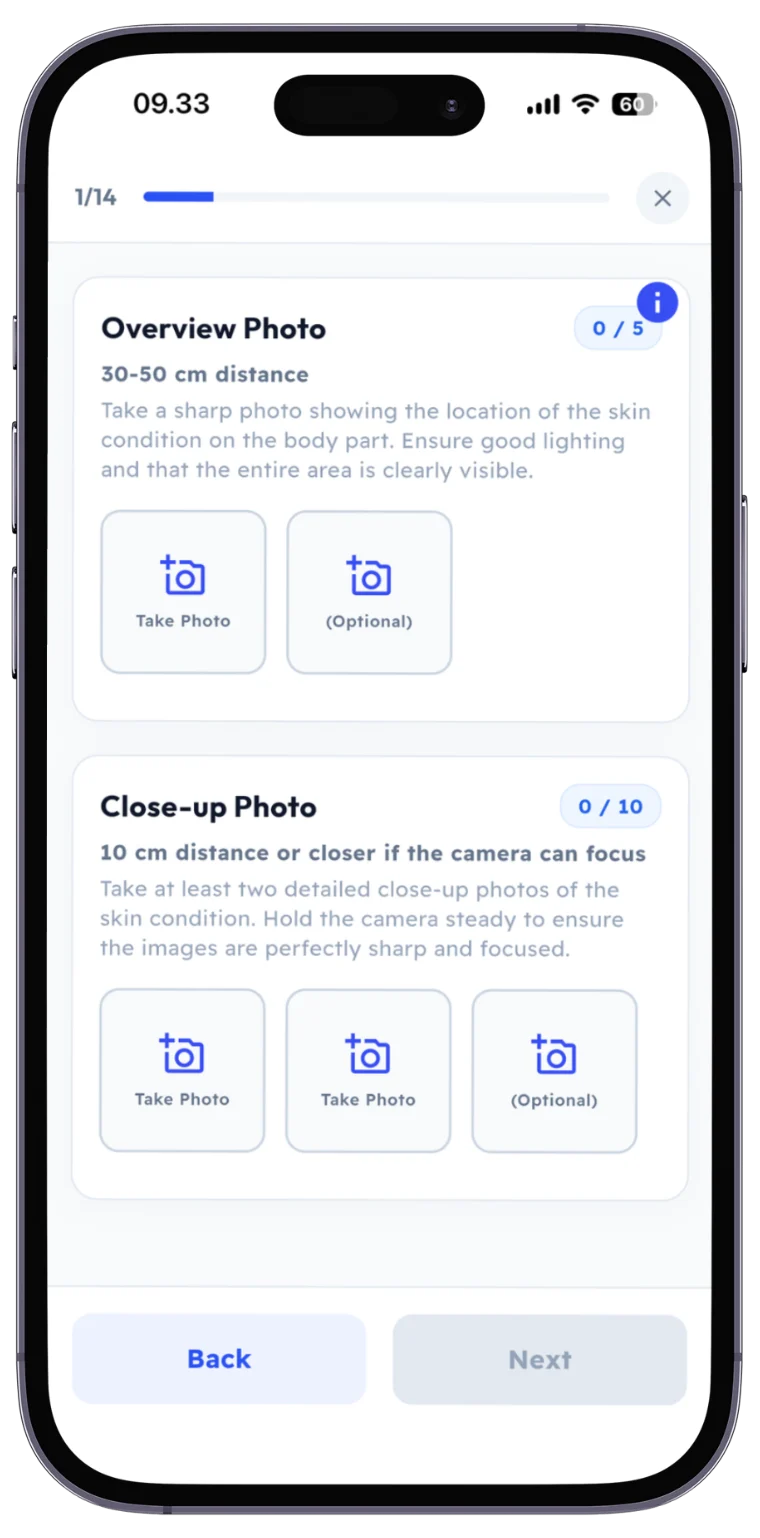
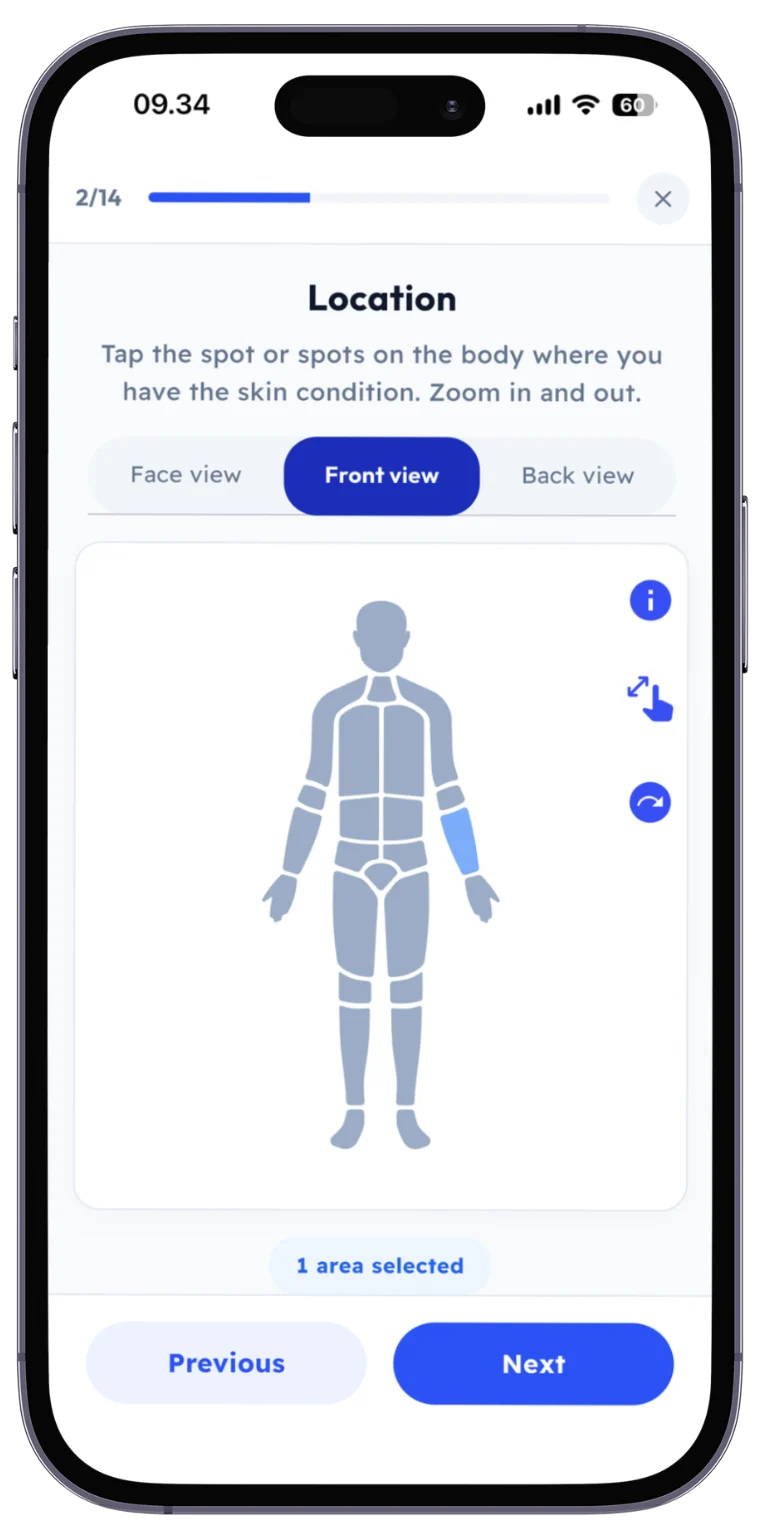
Follow these simple steps to get professional help with your skin problem
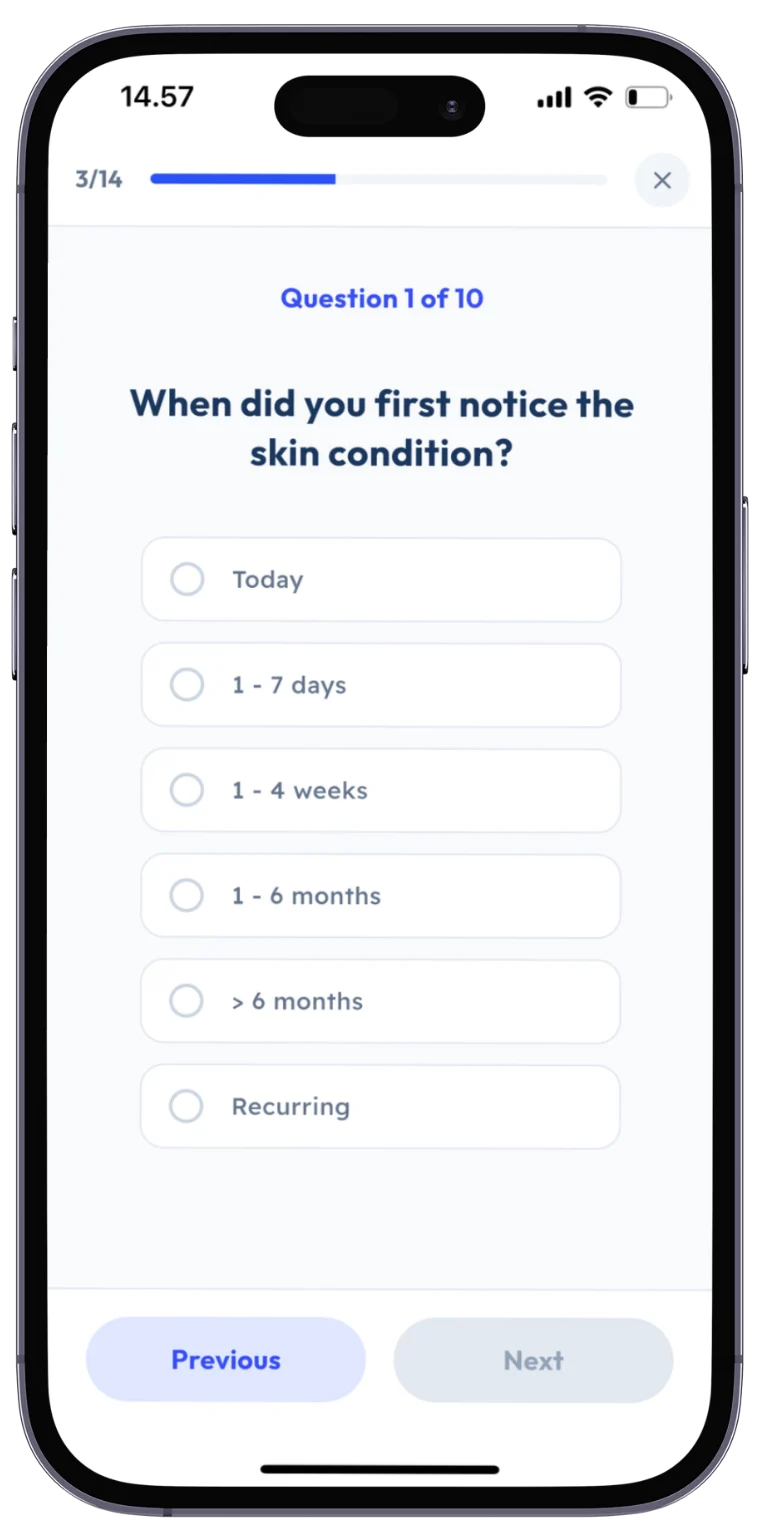
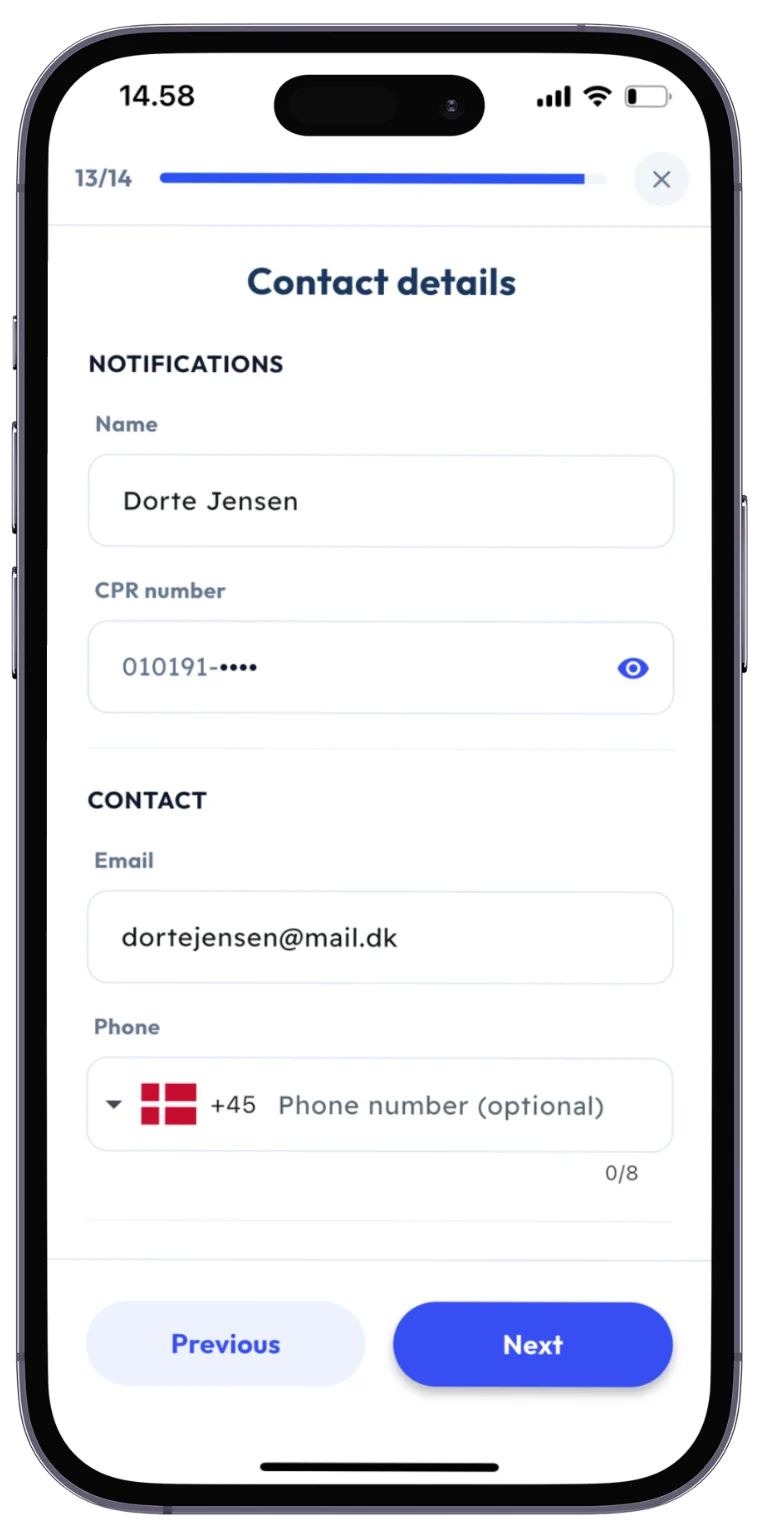
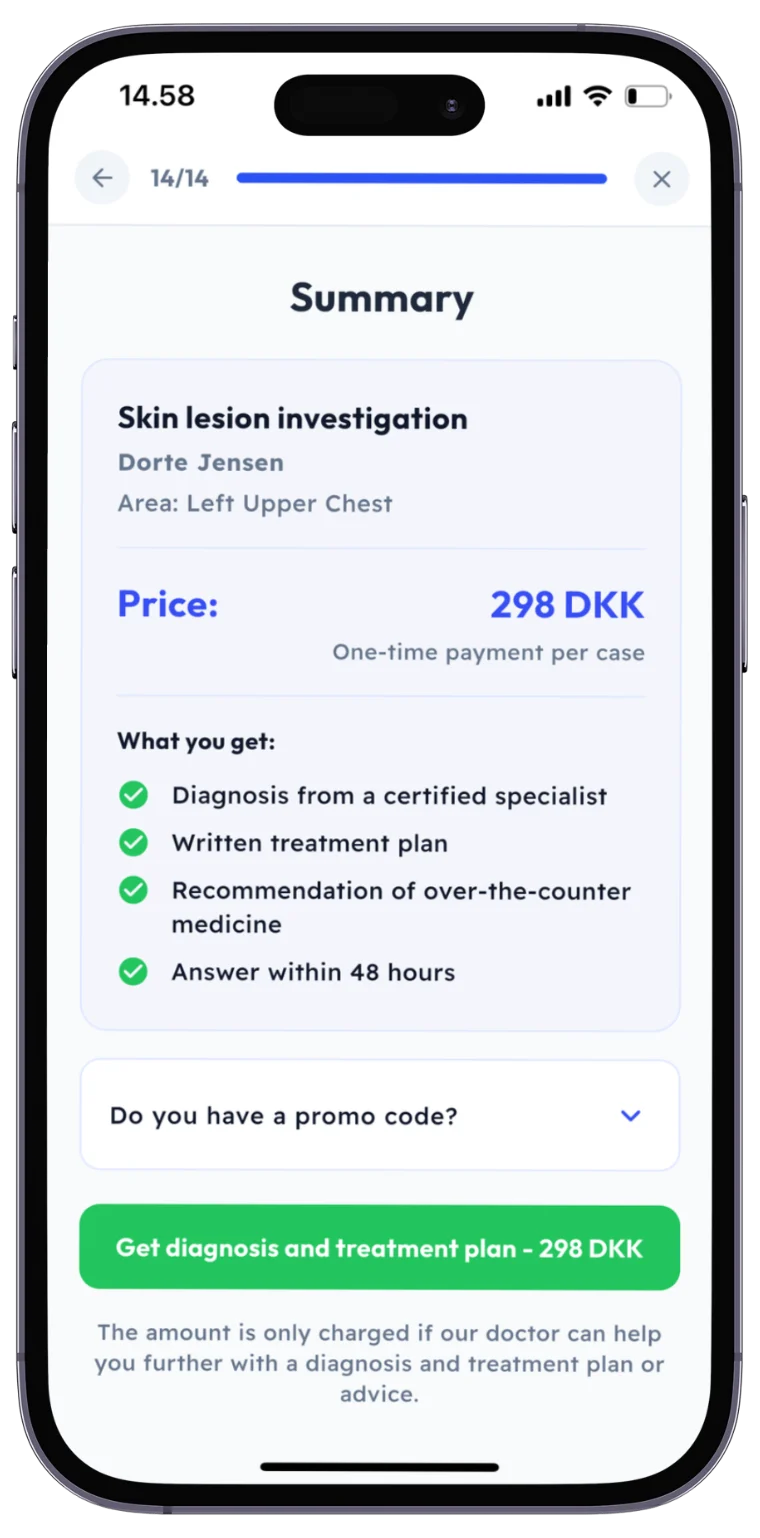
Step 1 of 7
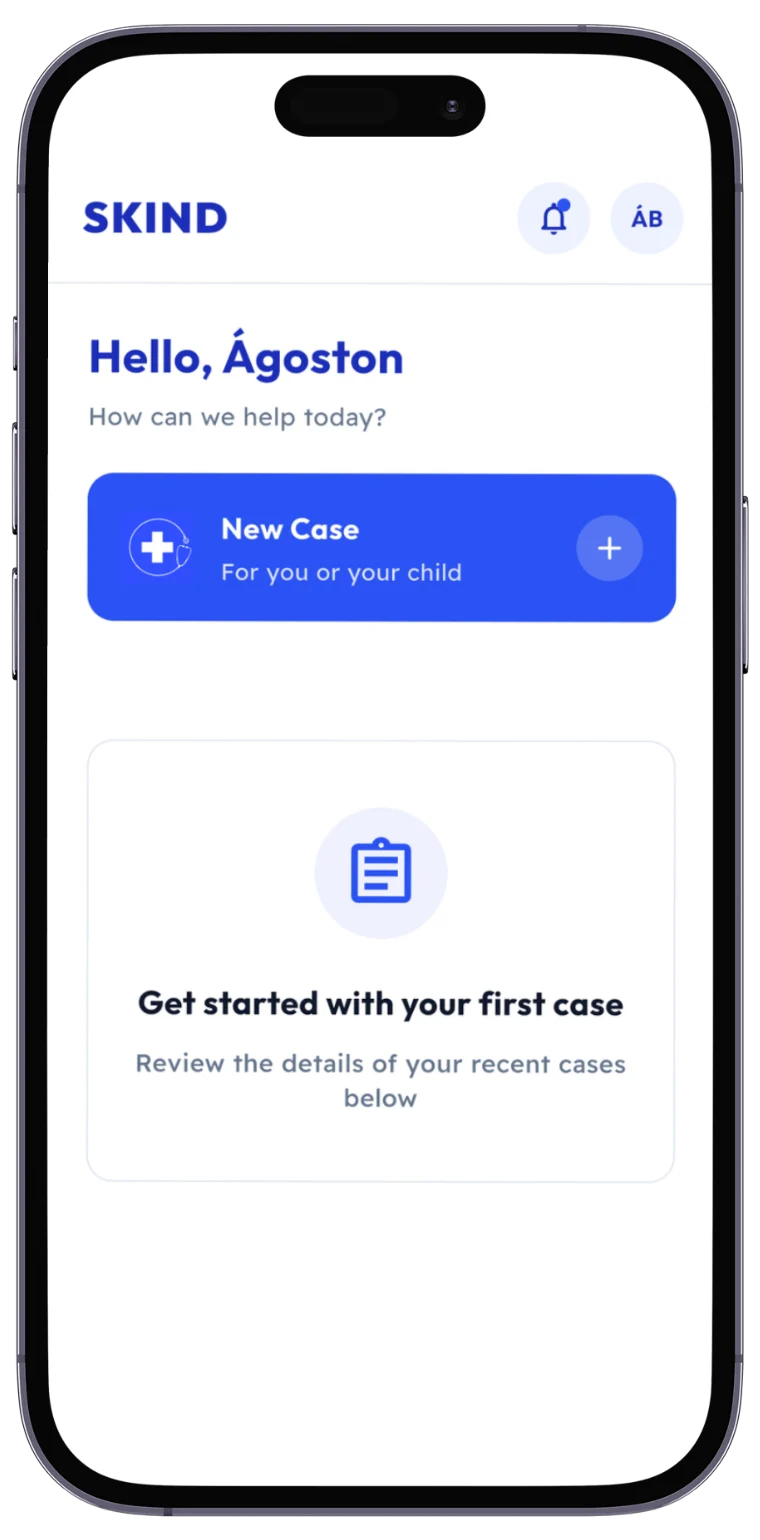
Start a new case
Log in with MitID and tap New Case. You can create a case for yourself or for your child.
Step 1 of 7: Start a new case
Ready to get started?
Download the app today and get help with your skin problem within 48 hours
Download the app